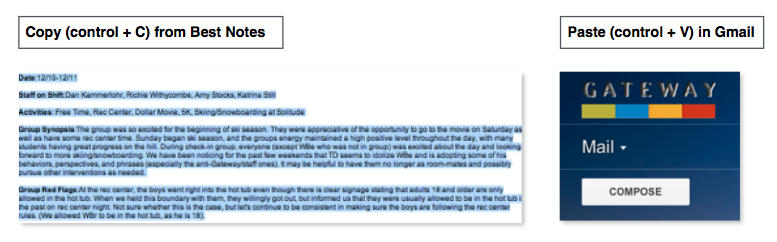
How to email a document from Best Notes.
I. Click on the document that you would like to email. For instance, click Group Notes on from the menu bar located on the lower left-hand corner of the screen.
II. Click on History.

III. Select from the drop down menu to access your (saved & locked) documents..
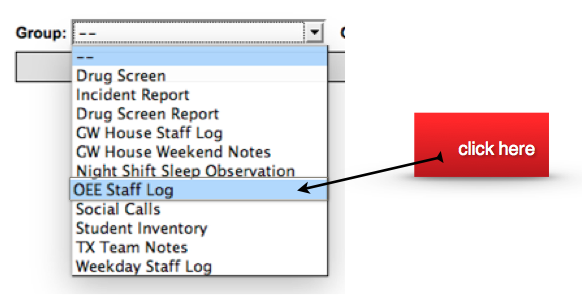
IV. From the (OEE Staff Log), double click on the document that you would like to email. Once the document is open, copy and paste the content from the Best Notes to gmail.